Digital & Home Security Assessment
Fortify your physical and digital life. A unified approach to protecting your router, smart devices, and entry points.
By Dan Gold · Sources reviewed
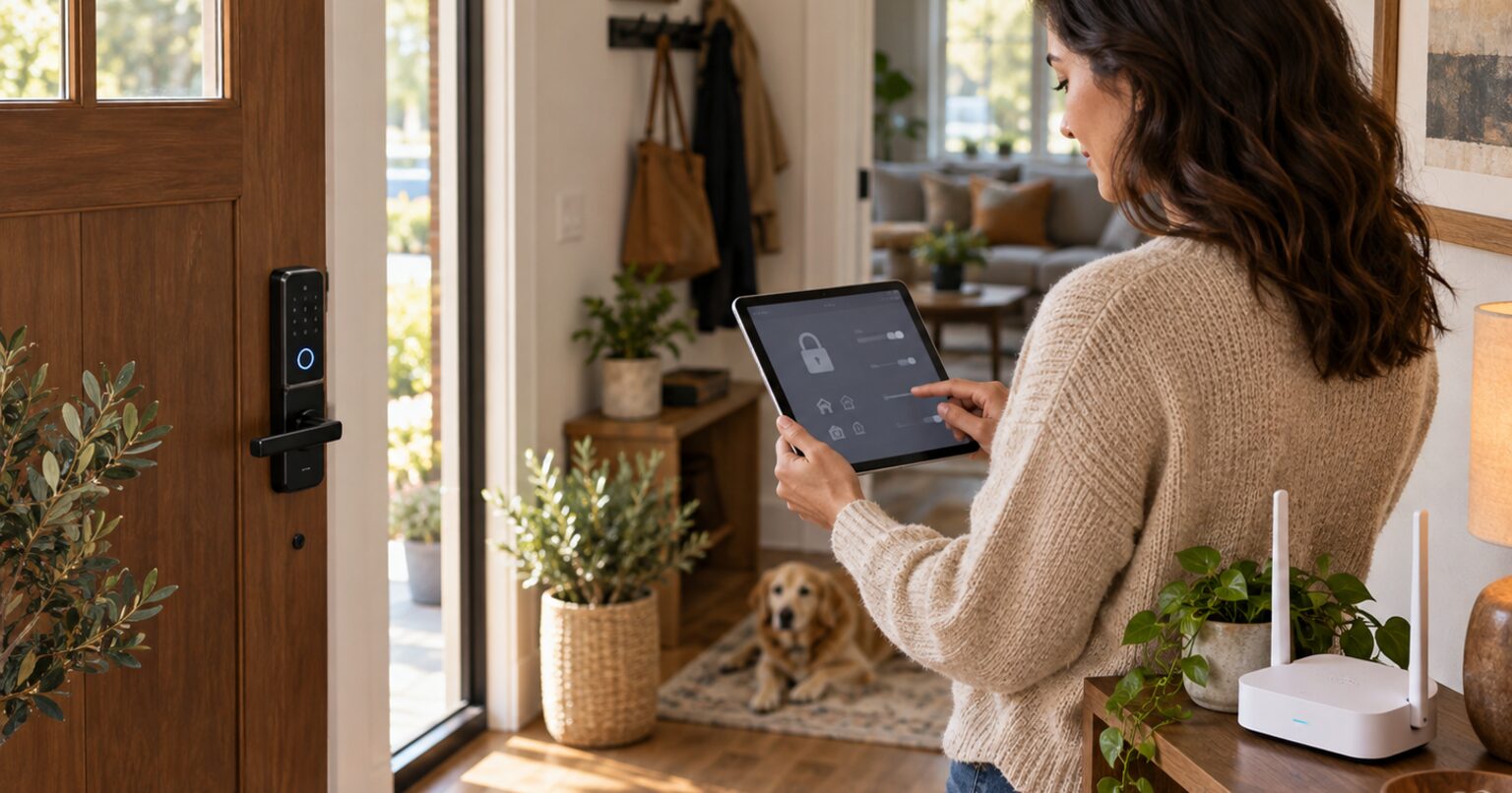
Secure the accounts and router first, then check the devices that depend on them. A guest network or smart lock is useful only if its settings and limitations fit your home.
Work through the checklist
- Inventory connected devices. Include the router, cameras, locks, speakers, thermostats, and appliances. Record model, support status, account owner, and update method.
- Update supported equipment. Install manufacturer firmware and app updates; enable automatic updates where available. Replace equipment that no longer receives security fixes.
- Change default credentials. Give the router admin account and Wi-Fi network different strong passwords. Store unique account passwords in a password manager.
- Choose supported Wi-Fi security. Prefer WPA3 when all required devices support it; use WPA2 with AES when needed for compatibility. Avoid open networks and obsolete WEP or WPA settings.
- Review router exposure. Disable remote administration and unused features such as WPS. Review UPnP and port forwarding against the needs of your actual applications before changing them.
- Check network separation. Use a guest or IoT network if the router supports it. Verify whether it isolates clients and blocks access to your primary network; the guest name alone proves neither.
- Protect cloud accounts. Enable multifactor authentication when offered, remove former users, and save recovery codes securely. Review camera sharing, recording retention, and app permissions.
- Check physical access and recovery. Test authorized smart-lock access and the manufacturer’s battery-loss backup method. Keep recovery keys and emergency access available to a trusted person without displaying them publicly.
- Review alerts and account activity. Investigate unfamiliar logins or devices, revoke obsolete sessions, and follow the provider’s account-recovery process if you suspect compromise.
Progress is saved in this browser. Revised tasks start a new checklist.
Check the result and follow up
Confirm that essential devices still work, guests have only intended access, and account recovery is possible. Repeat after changing routers, moving, or ending shared access. These steps reduce exposure; they do not certify that a network cannot be breached.
Sources and scope
These references support the guidance above. Source review is not a hands-on test of your home or a certification of a product. Follow the instructions for your exact model and local requirements.
Did this help?
Get more simple guides like this in your inbox.